By Manuj Mehta · Updated
“Setting up next month's spreads takes my whole Sunday. And I can never find anything I wrote in March.”
If bullet journaling takes too long, keep the method and drop the decoration. The parts that make it work are rapid logging (one bulleted line per thought) and migration (moving unfinished tasks forward). A digital bullet journal keeps both and adds search.
Why it happens
The Bullet Journal method is fast by design: short lines and a few symbols. What takes time is everything layered on top — hand-drawn spreads, trackers, lettering. When setup takes longer than using it, people stop. Paper also can't be searched, so old notebooks become archives you never open.
The fix: the core method, nothing extra
- Rapid log. One line per thought, a bullet for its type.
- Daily log only. Skip monthly spreads unless you actually use them.
- Migrate weekly. Move unfinished tasks forward or cross them out.
- Search instead of indexing. Let the app find March for you.
This works on paper or in any app. Read the full method in Bullet journal for beginners.
Doing it in Penso Notes
Bullets for every line
Task, note, event — or your own markers.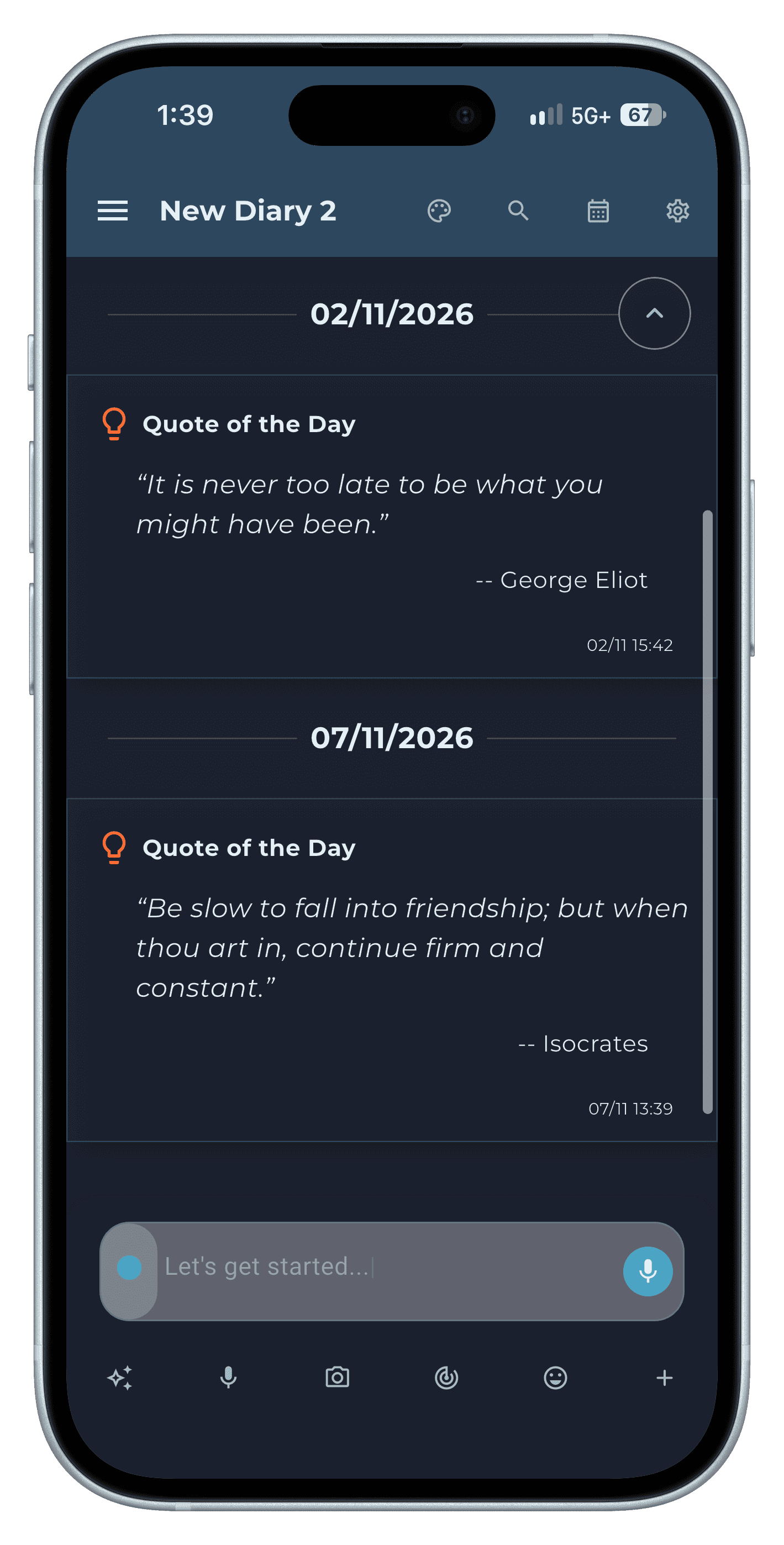
Step 1 Migrate without rewriting
Copy an entry to another diary in two taps.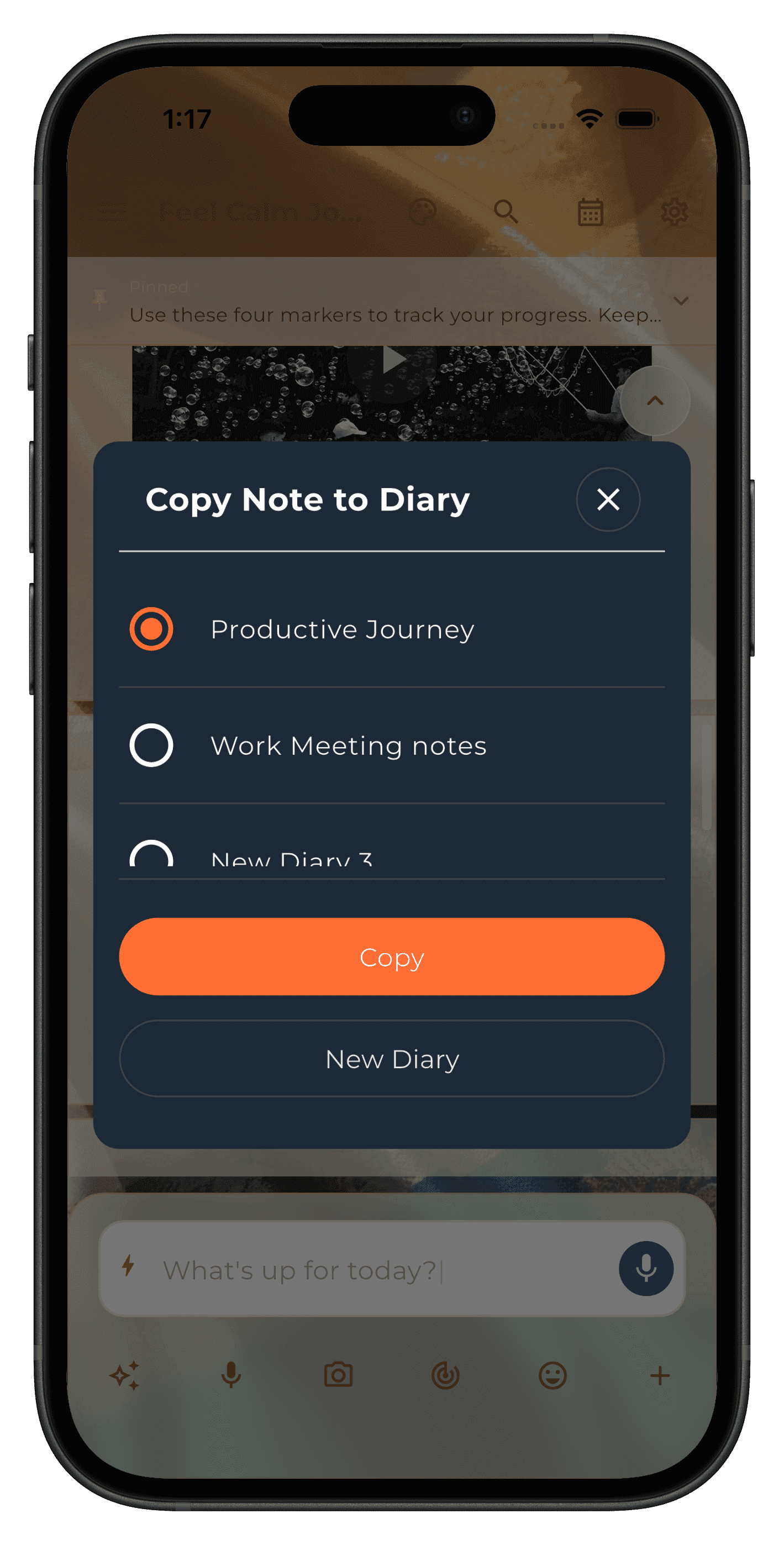
Step 2 Find anything, any month
Search by bullet, tag or date.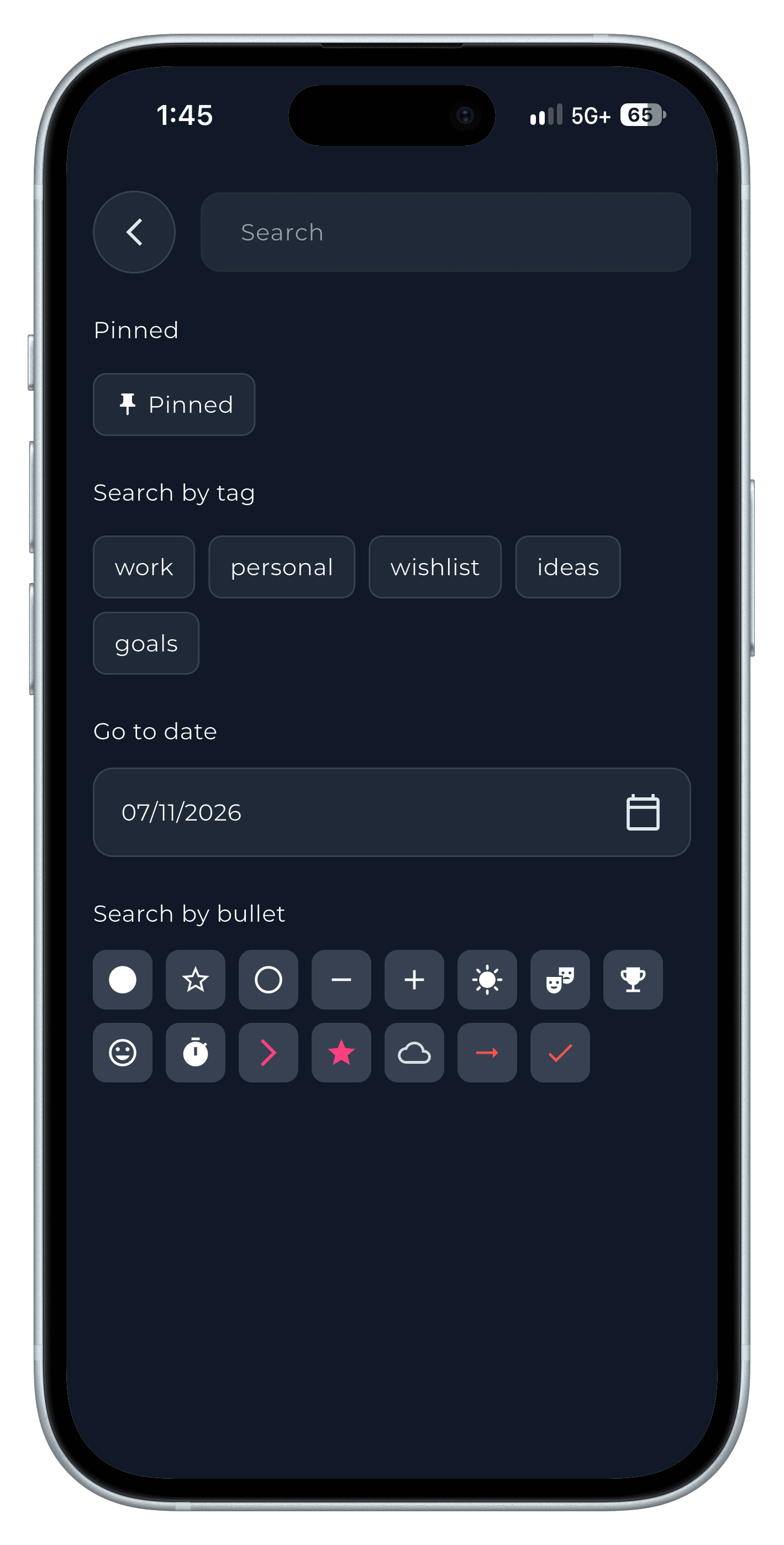
Step 3
Step-by-step in the app
The full walkthrough, with every screen, is in our how-to.
Frequently asked questions
Can you bullet journal digitally?
Yes. Rapid logging and migration work well in an app, and you gain search, reminders and backup.
Do I need spreads to bullet journal?
No. A daily log with bullets and regular migration is the core of the method.