By Manuj Mehta · Updated
To speak an entry in Penso, tap the microphone in the input box and talk. Your words are written into the entry as you speak; tap stop and send. It's the fastest way to capture call notes or a thought on the move.
Penso Pro
This is part of Penso Pro. The rest of Penso Notes stays free. What's in Pro
Step by step
Tap the mic and speak
In any diary, tap the microphone in the input box. Your words appear as you talk.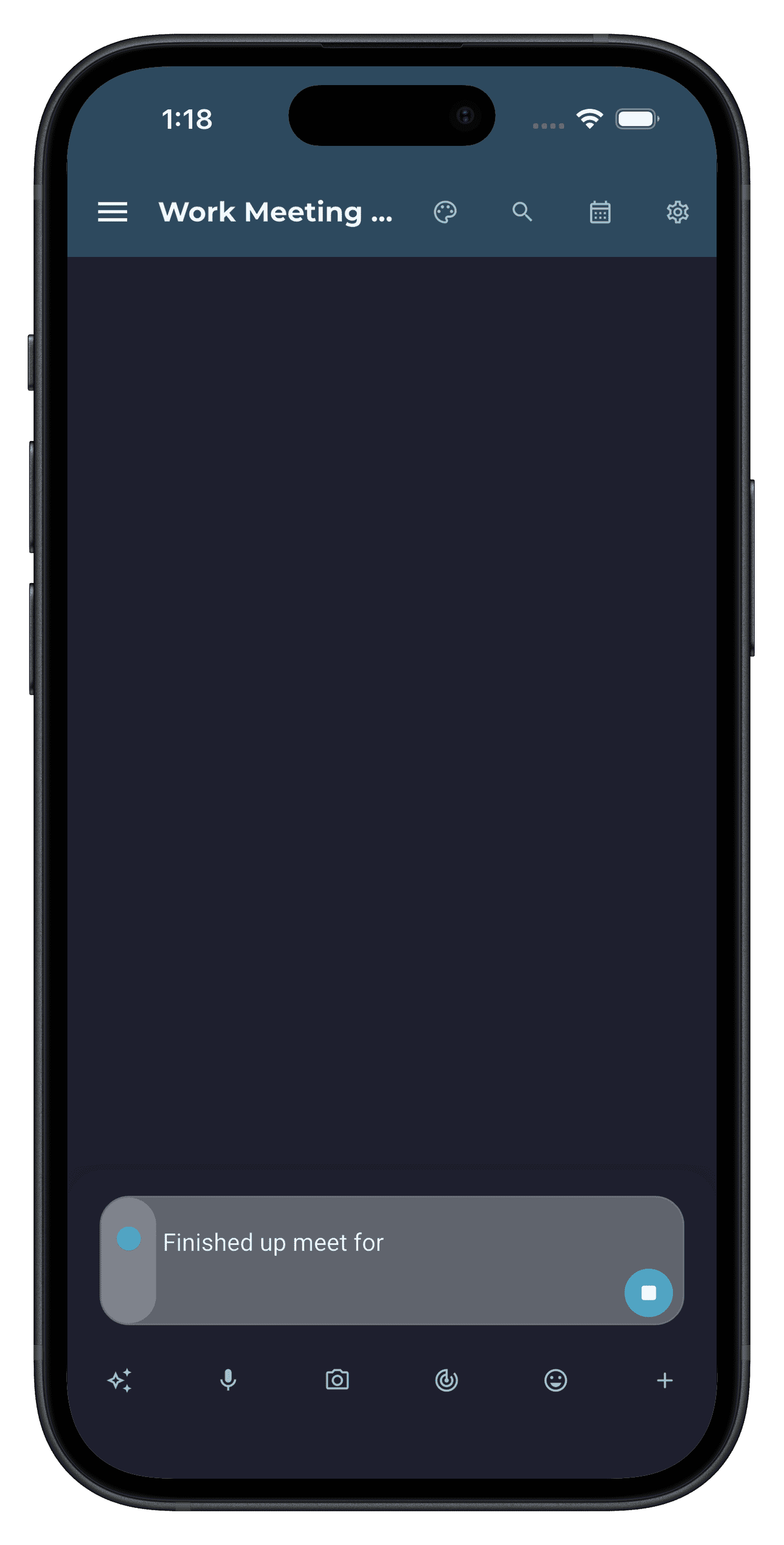
Step 1 Stop, check and send
Tap stop, fix any words it misheard, add a bullet or #tag, and send.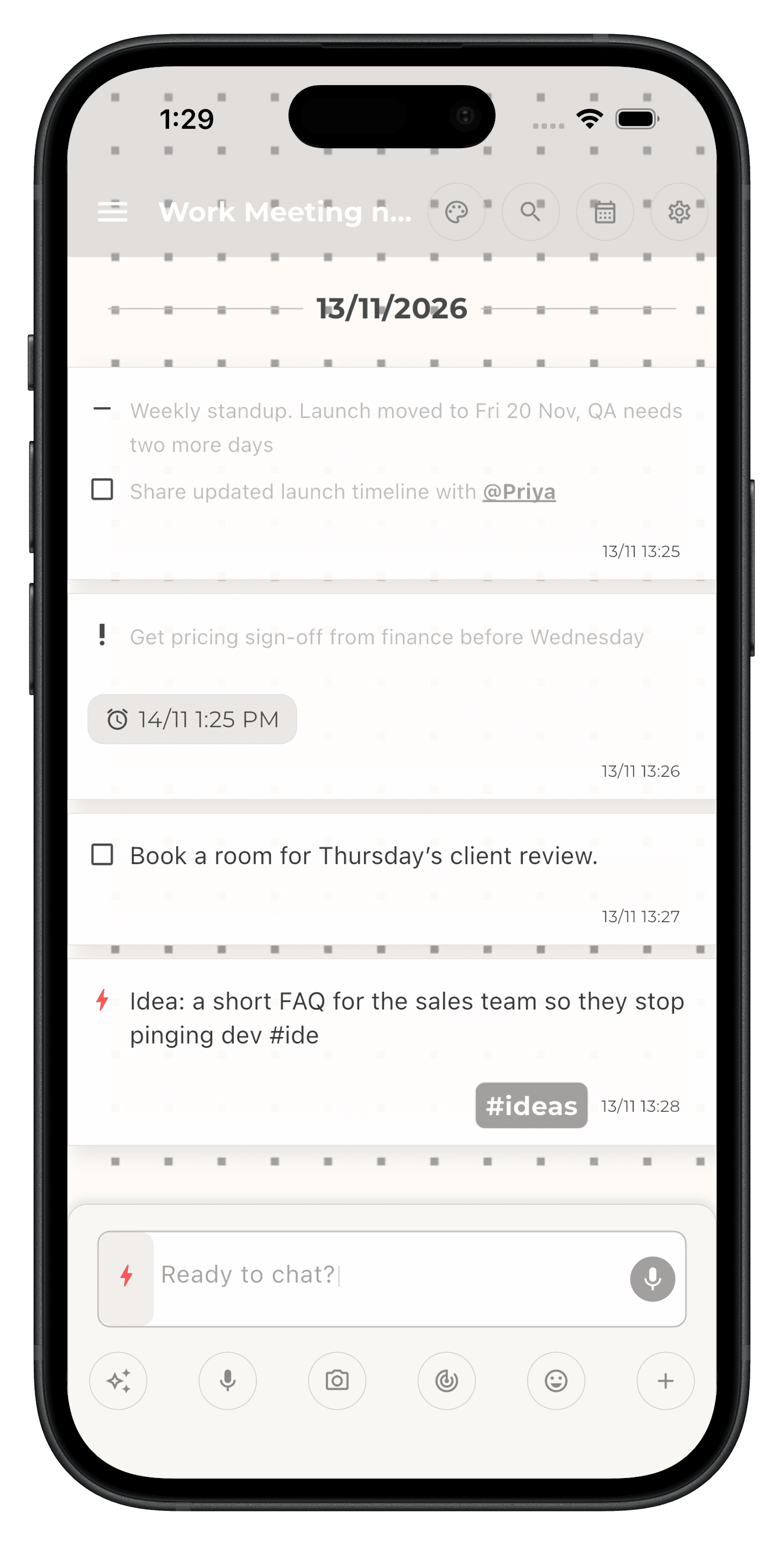
Step 2
Frequently asked questions
Is voice-to-text free in Penso?
Voice-to-text entries are part of Penso Pro.
When is voice-to-text most useful?
Right after a call or meeting, while walking, or when a thought arrives and typing would lose it.