Analytics
Your journal, summarised: streaks, active days, consistency, time per diary and how your trackers are going.
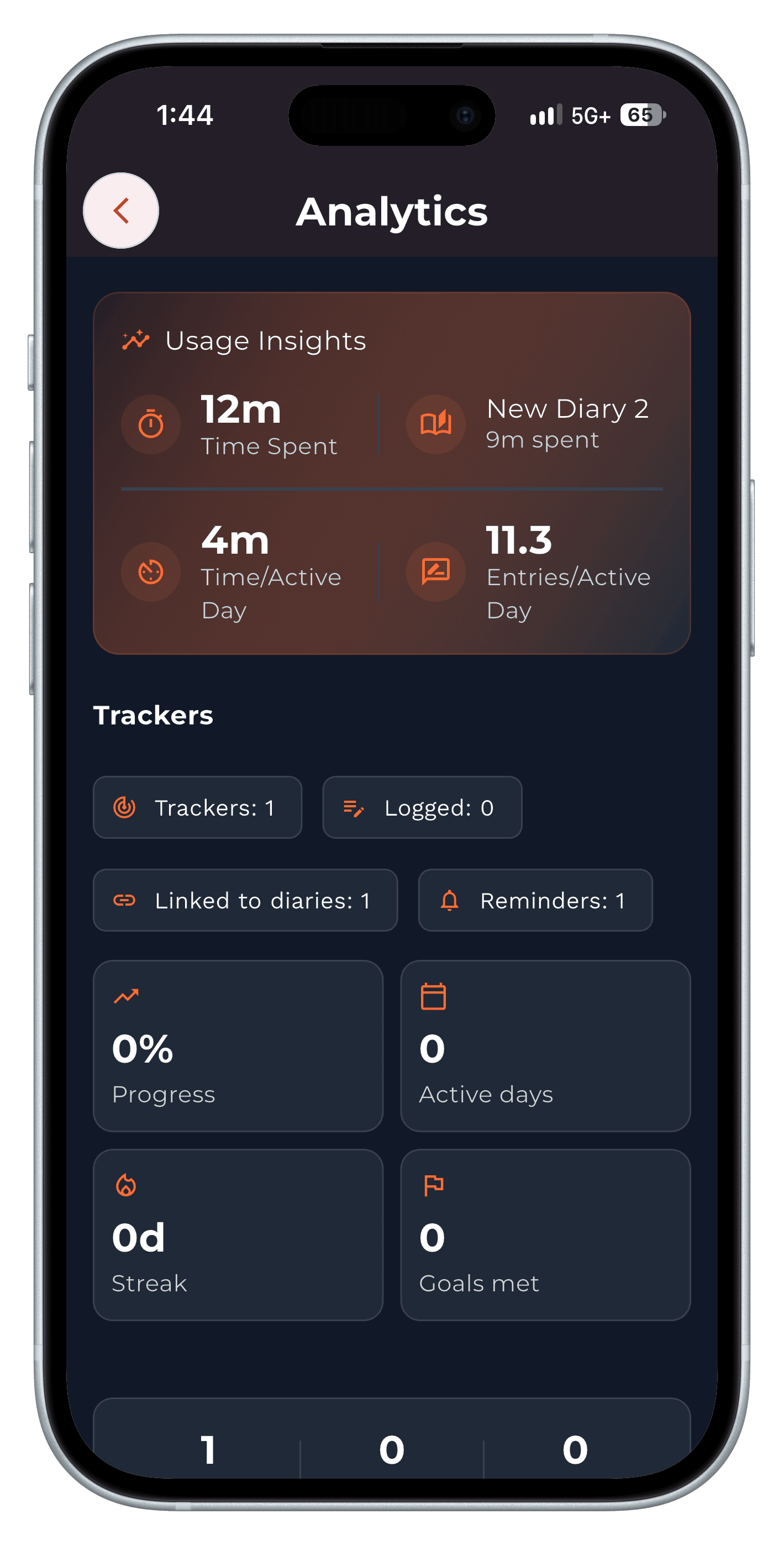
Analytics is Penso Pro's dashboard for your journaling. It shows your streak, active days, consistency and when you last wrote; usage insights such as time spent and entries per active day; which diaries you spend time in; and progress on your trackers — over 7, 30 or 90 days, or all time.
Analytics is part of Penso Pro. Writing, diaries, privacy, backup and Journeys stay free. What's in Pro
See the habit, not just the entries
Streak, active days and consistency answer the question every journaler has after a month: am I actually keeping this up?
Where your writing goes
Time spent per diary shows whether the work log is crowding out the personal journal — useful if you started journaling for yourself.
Tracker progress in one place
Progress, active days, streaks and goals met for every tracker, next to your writing stats.
How to use analytics in Penso Notes
- Open Analytics. From the sidebar on desktop, or a diary's settings on your phone.
- Pick a range. 7 days, 30 days, 90 days or all time.
- Read the patterns. Start with the weeks you wrote least — what was different?
Frequently asked questions
Is Analytics free?
Analytics is part of Penso Pro.
Does Analytics read my entries?
It counts activity — entries, active days, time spent — on your device to build your stats.
Your thoughts deserve
a proper home.
Free, beautifully designed, and on-device private. Start journalling in 60 seconds.