By Manuj Mehta · Updated
“I have notes in four apps, a hundred screenshots and a notebook. When I need something, I check all of them.”
To organise scattered notes, pick one place for new notes, split it into a few areas of life, tag people and topics, and make search your filing system. Don't migrate everything at once — move old notes over only when you need them.
Why it happens
Every extra place you keep notes doubles where you have to look. Over time you stop trusting any of them, start re-writing things you already wrote, and keep important things in your head “just in case” — the exact load notes were supposed to remove.
The fix: one inbox, a few diaries, search over folders
- One place for new notes. From today, every new note goes there.
- Three to five areas. Work, personal, ideas — not twenty folders.
- Tags for what cuts across. People, projects, clients.
- Search, don't file. Dates, tags and full-text search replace sorting.
- Migrate lazily. Move an old note across the first time you need it.
This works on paper or in any app. Read the full method in Note-taking methods compared.
Doing it in Penso Notes
One diary per area
Pin the ones you use most.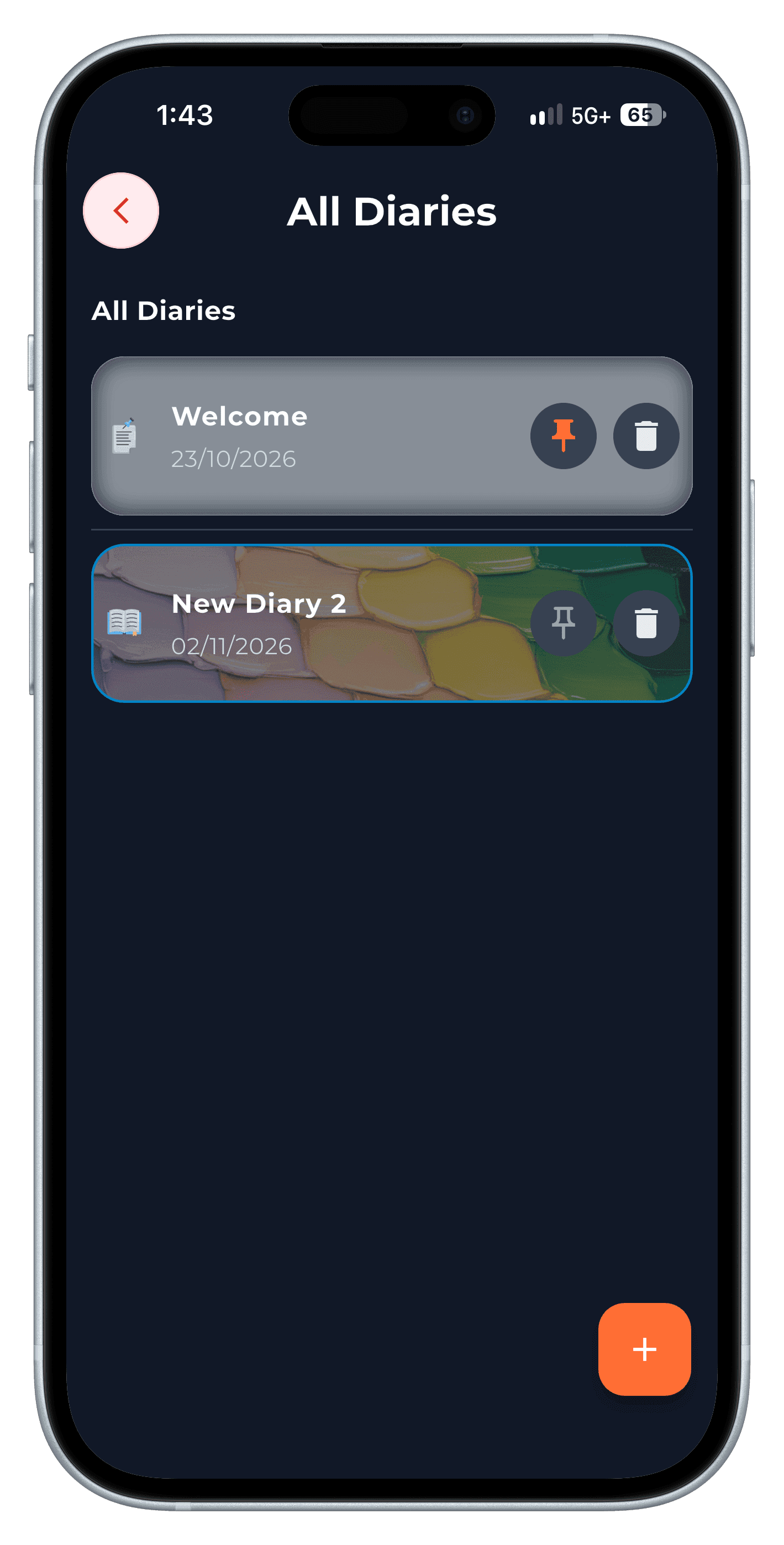
Step 1 Search by tag, bullet or date
Across every diary at once.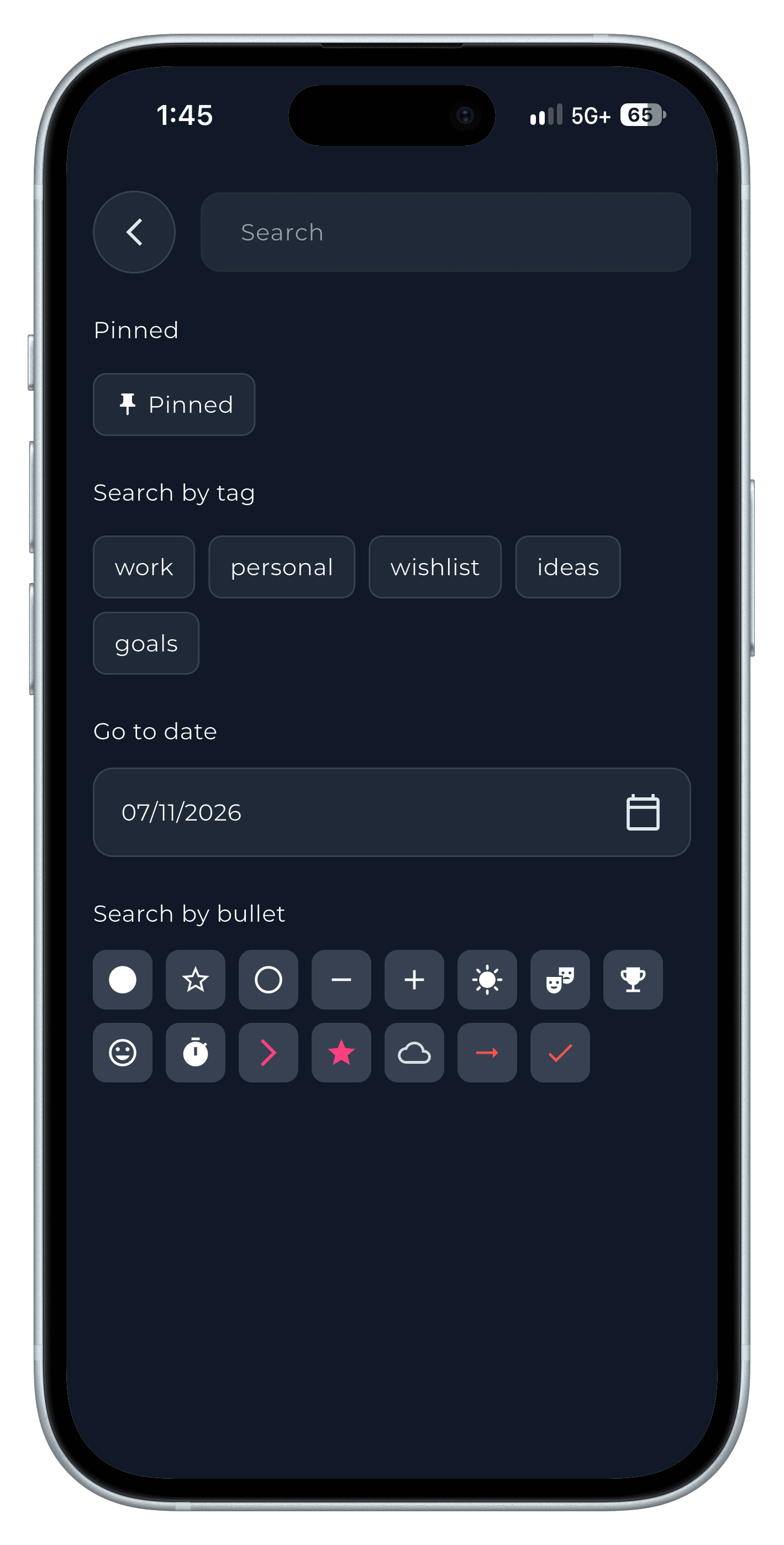
Step 2 Keep tags tidy
Rename or remove tags as your system settles.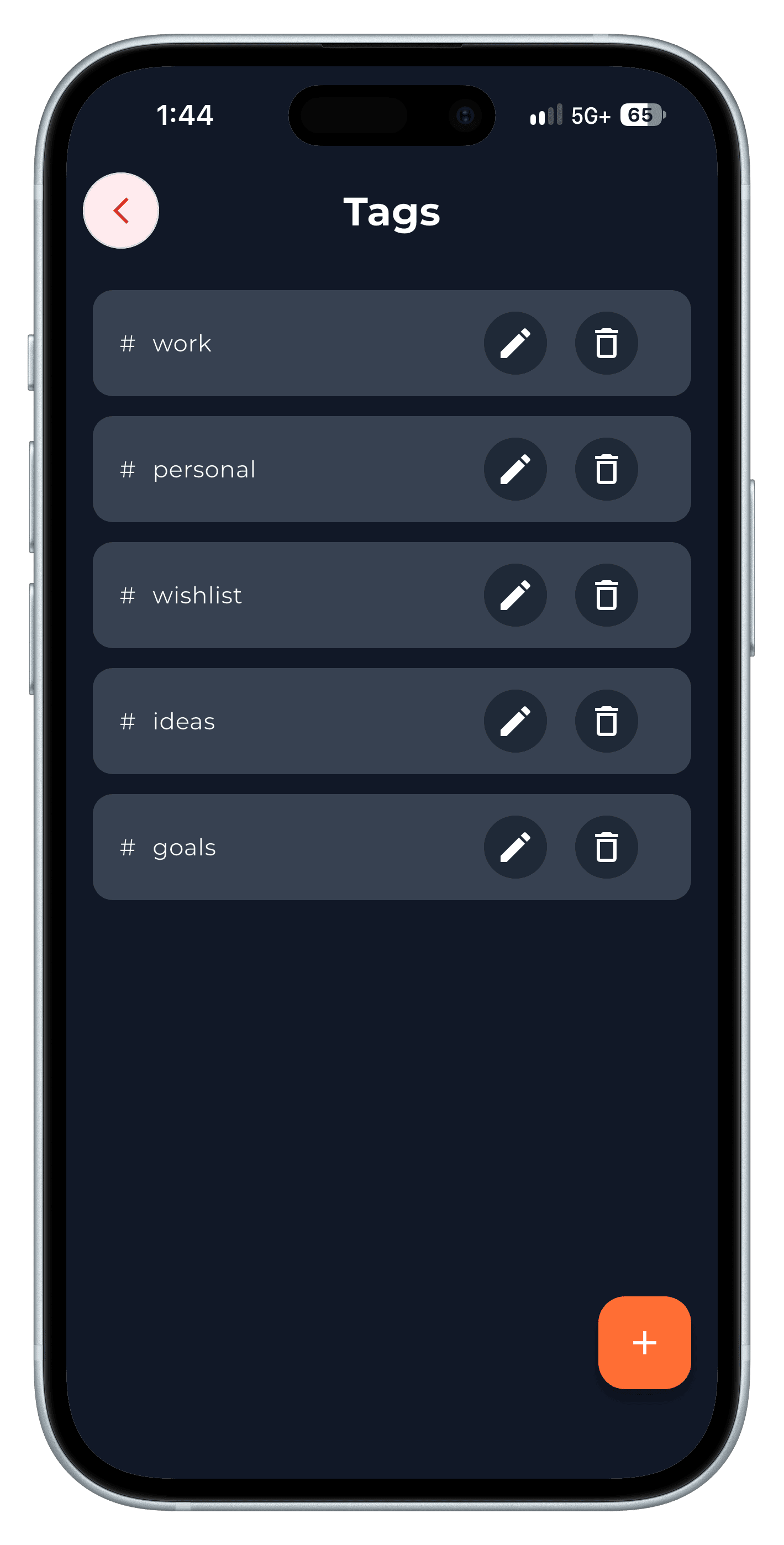
Step 3
Step-by-step in the app
The full walkthrough, with every screen, is in our how-to.
Frequently asked questions
What's the best way to organise notes on my phone?
One app for new notes, a few top-level areas, tags for people and projects, and search instead of deep folders.
Should I move all my old notes into a new app?
No. Start fresh and move old notes only when you need them — most you'll never look at again.