By Manuj Mehta · Updated
To find a note in Penso, tap the search icon and type a word, or filter by pinned entries, a tag, a bullet type or a date. Results are grouped by diary, so a year of daily logs stays usable.
Step by step
Open search and pick a filter
Filter by Pinned, tap a tag (work, personal, ideas…), go to a date, or search by bullet — tasks, priorities, events and your own markers.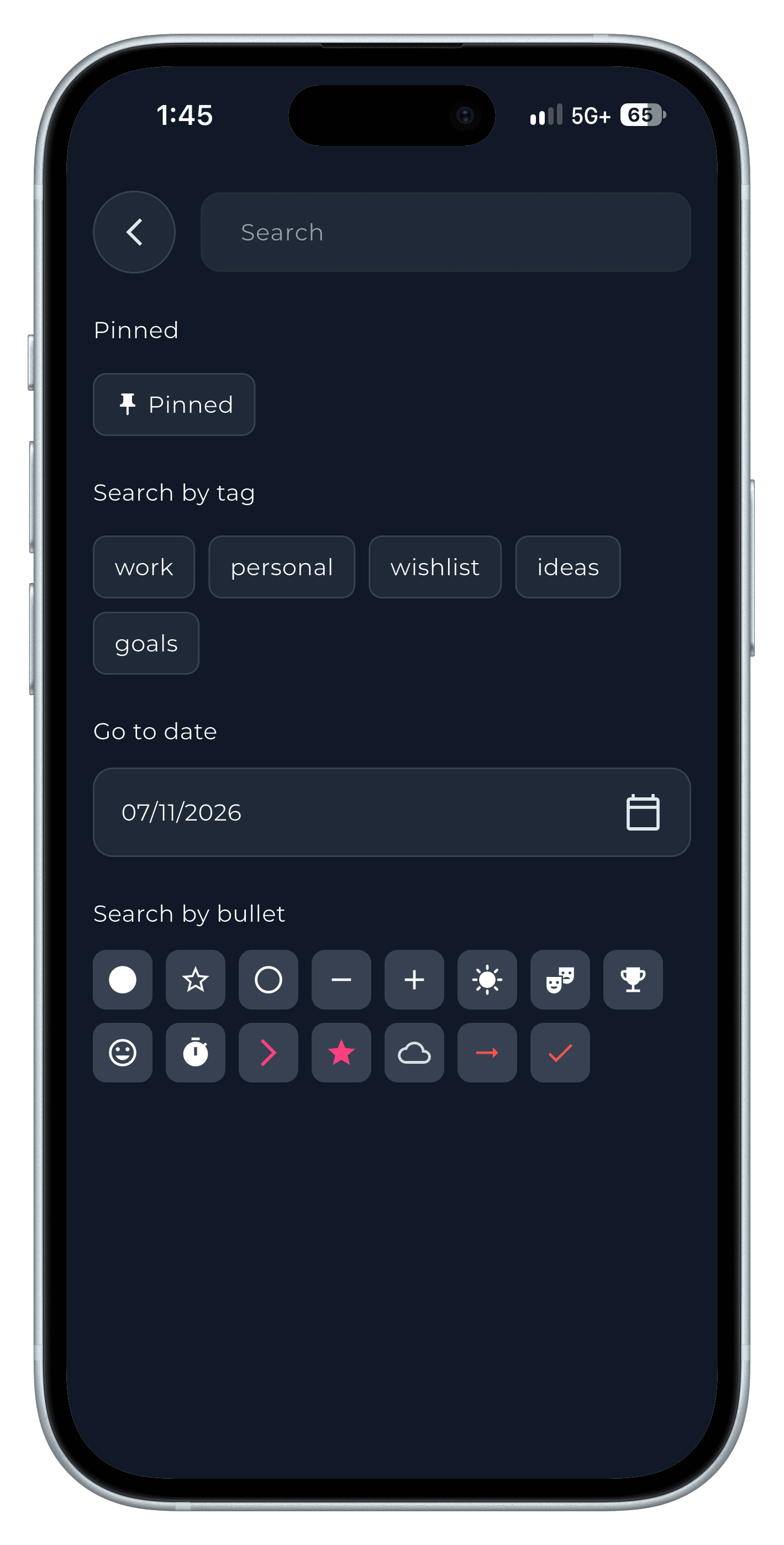
Step 1 Read the results by diary
Matching entries are grouped under each diary. Tap one to jump to it in context.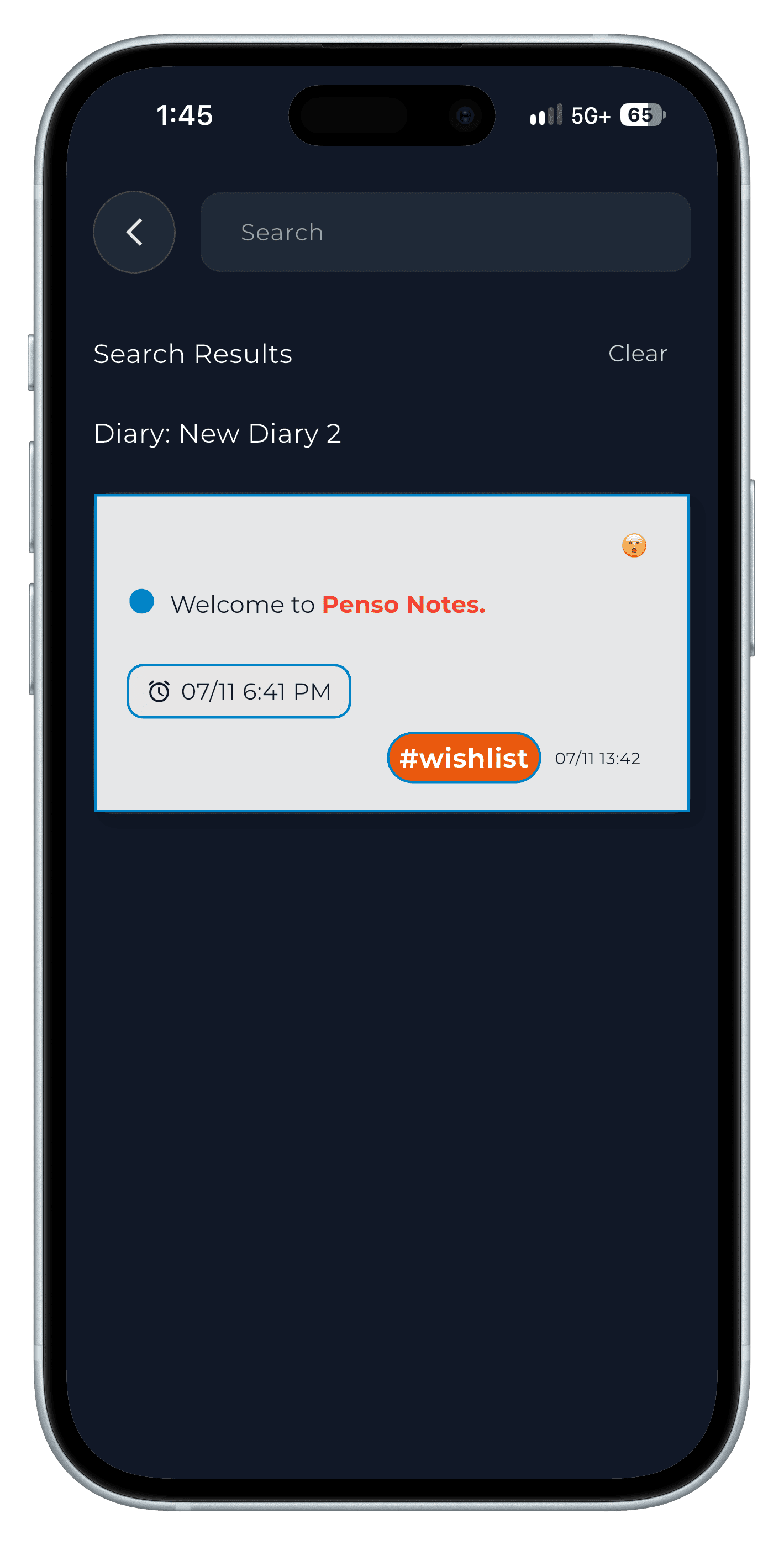
Step 2 Keep tags tidy
Rename or delete tags on the Tags screen so filters stay useful.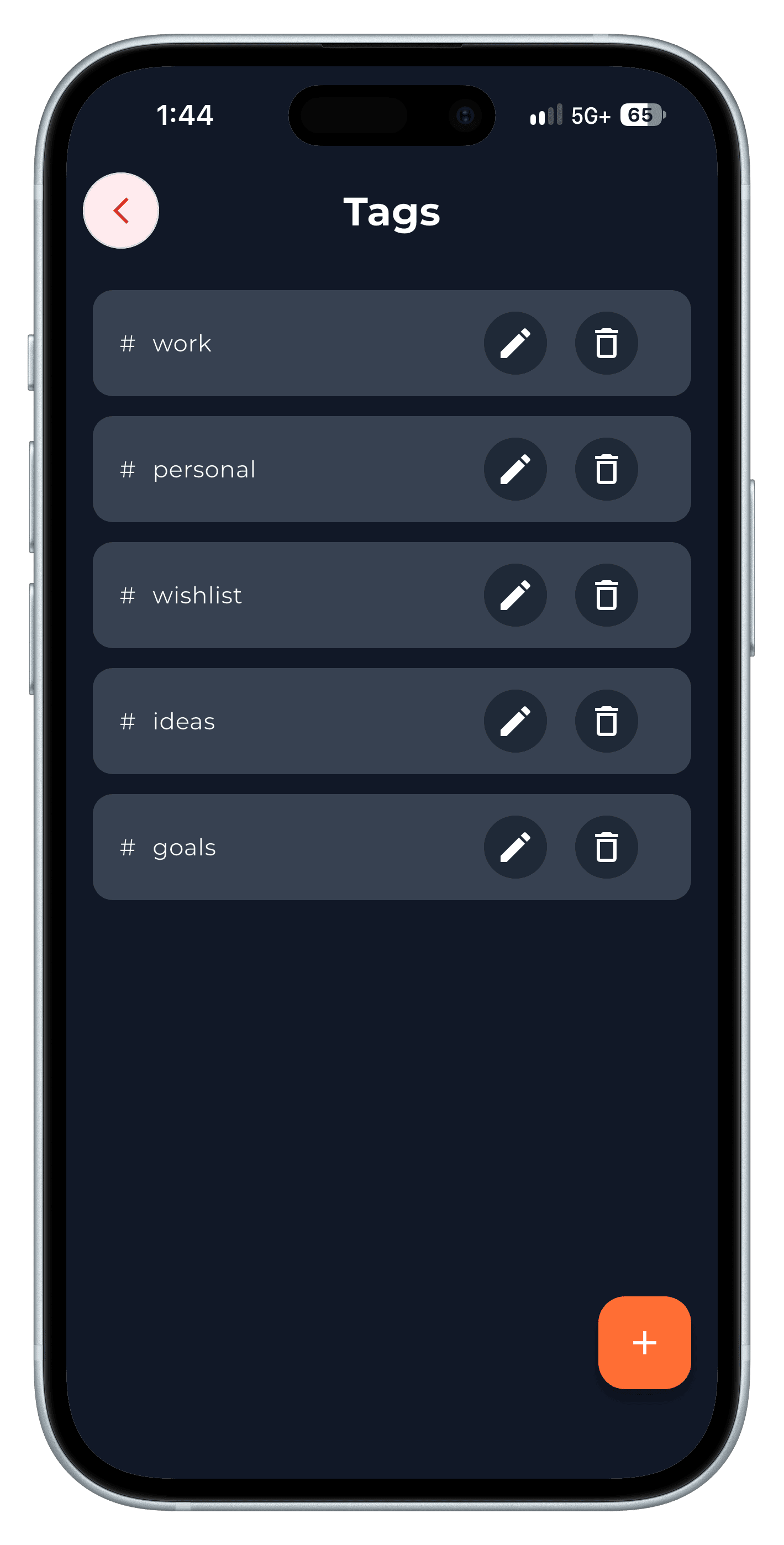
Step 3
Tips
- @mention people in entries — then searching for a person finds every call and meeting with them.
Frequently asked questions
Can I search across all diaries?
Yes. Search covers every diary; locked diaries still need their PIN to open.
Can I find entries from a specific day?
Yes. Use Go to date in search, or tap the day in the calendar.