By Manuj Mehta · Updated
To lock a diary in Penso, open it, tap the settings icon, switch on Lock This Diary and set a 4-digit PIN. That diary now asks for the PIN every time it opens, while your other diaries stay one tap away.
Step by step
Open the diary's settings
Open the diary you want to protect and tap the gear icon in the top bar.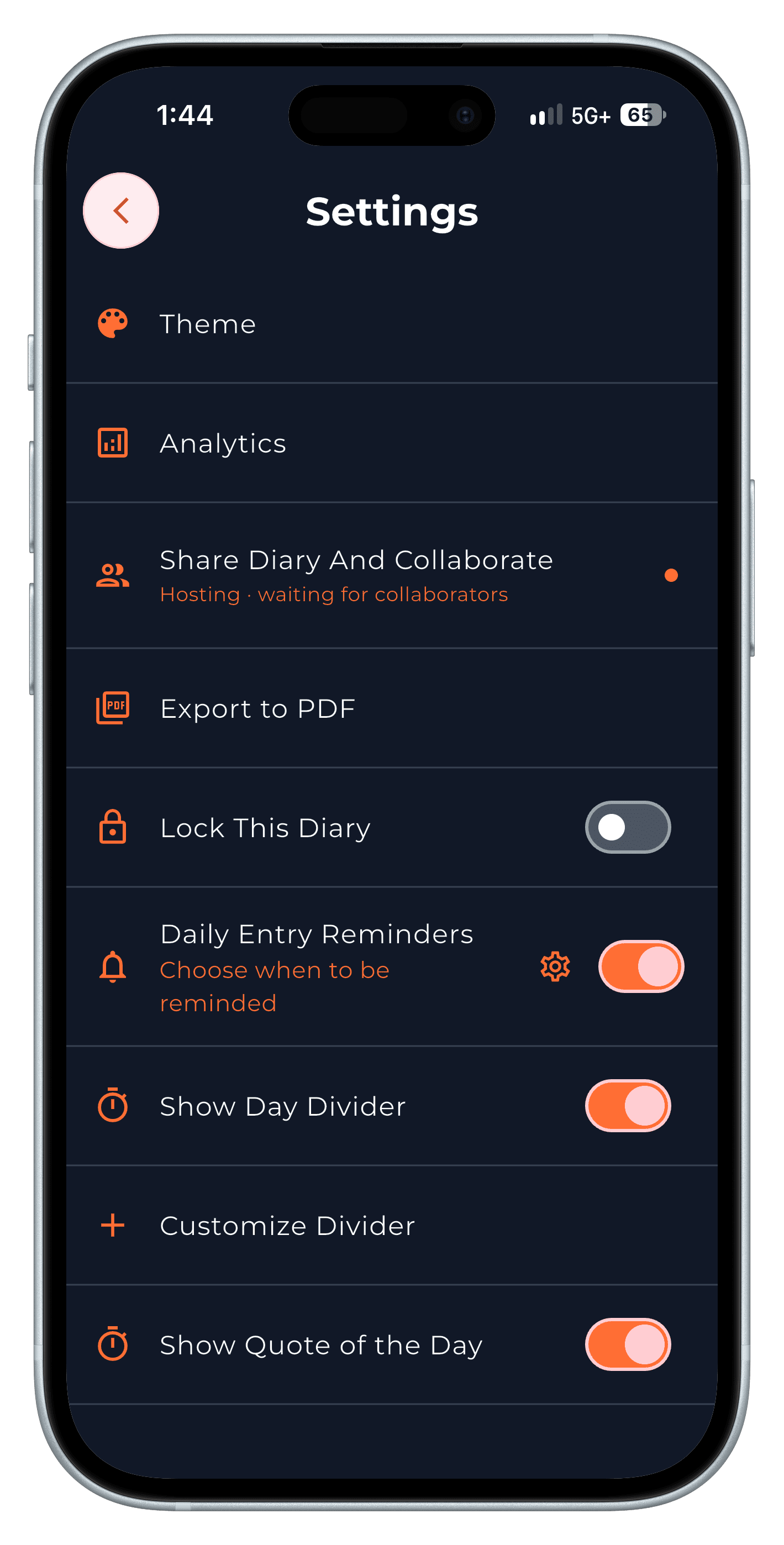
Step 1 Switch on Lock This Diary and set a PIN
Turn on Lock This Diary, then enter and confirm a 4-digit PIN. Pick one you'll remember but others won't guess.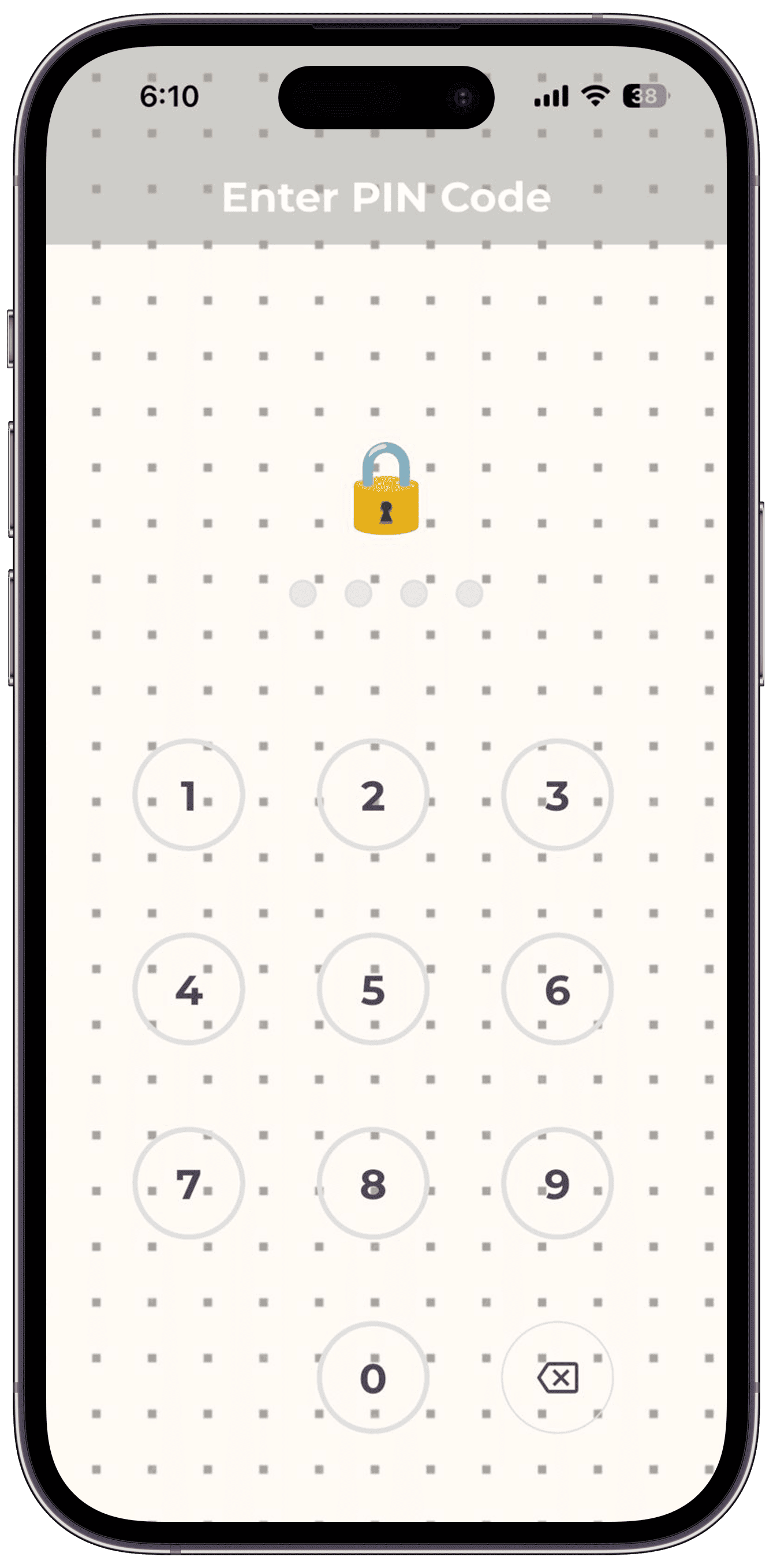
Step 2 Open it with the PIN
From now on the diary asks for its PIN when you open it. If you forget it, tap "Forgot your PIN code?" on the PIN screen and sign in again to reset it.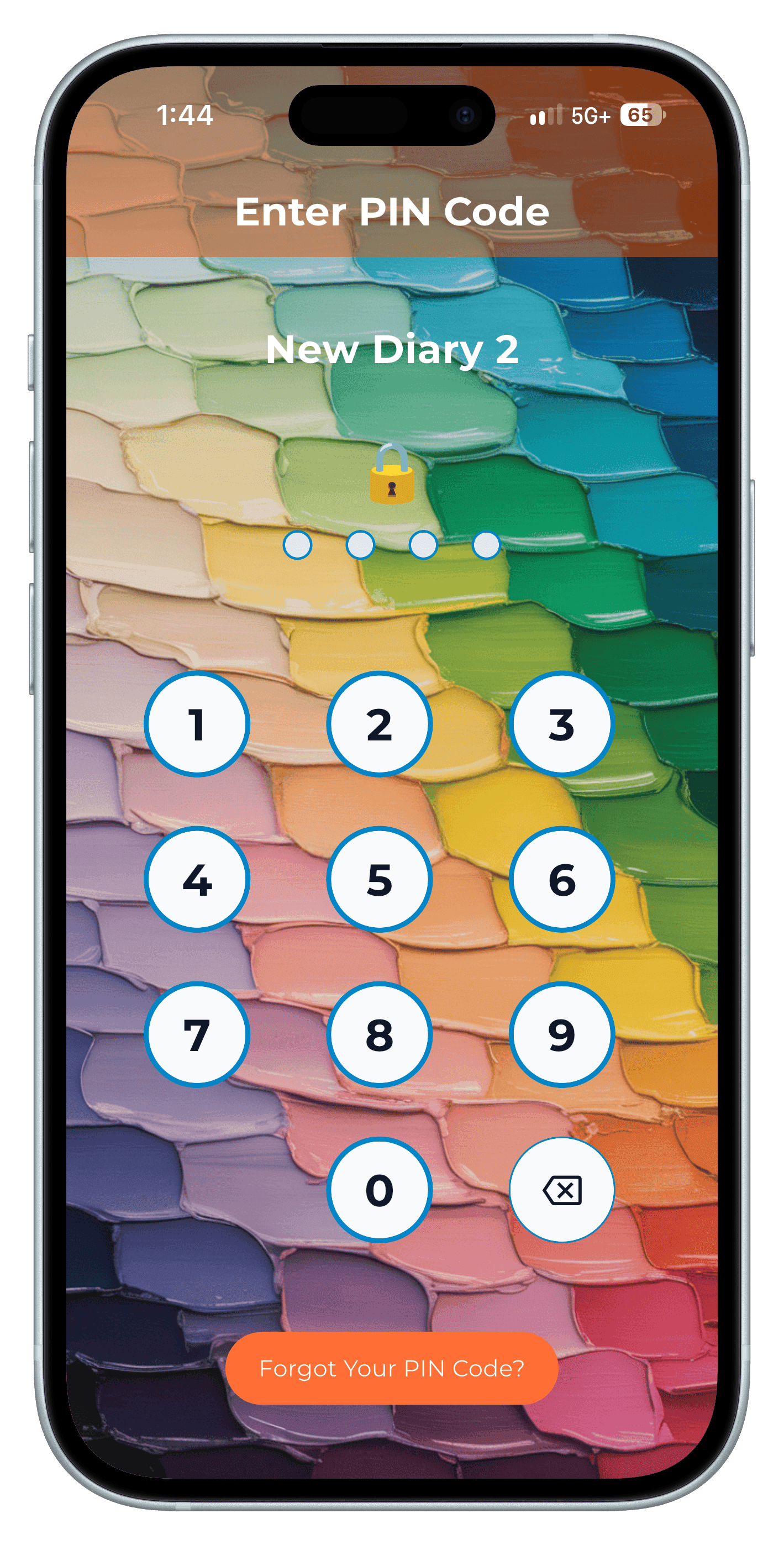
Step 3
Tips
- Lock the personal diary, not the work log you open twenty times a day.
- A lock protects the diary on the phone. Turn on backuptoo, so a lost phone doesn't mean a lost diary.
Frequently asked questions
Can I lock just one diary?
Yes. Locking is per diary, so you choose which ones need a PIN.
What if I forget my diary PIN?
Tap "Forgot your PIN code?" on the PIN screen and sign in again — that resets the PIN.
Can Penso read my locked diary?
No. Entries are stored on your device, and the only cloud copy is the optional backup in your own Google Drive.